


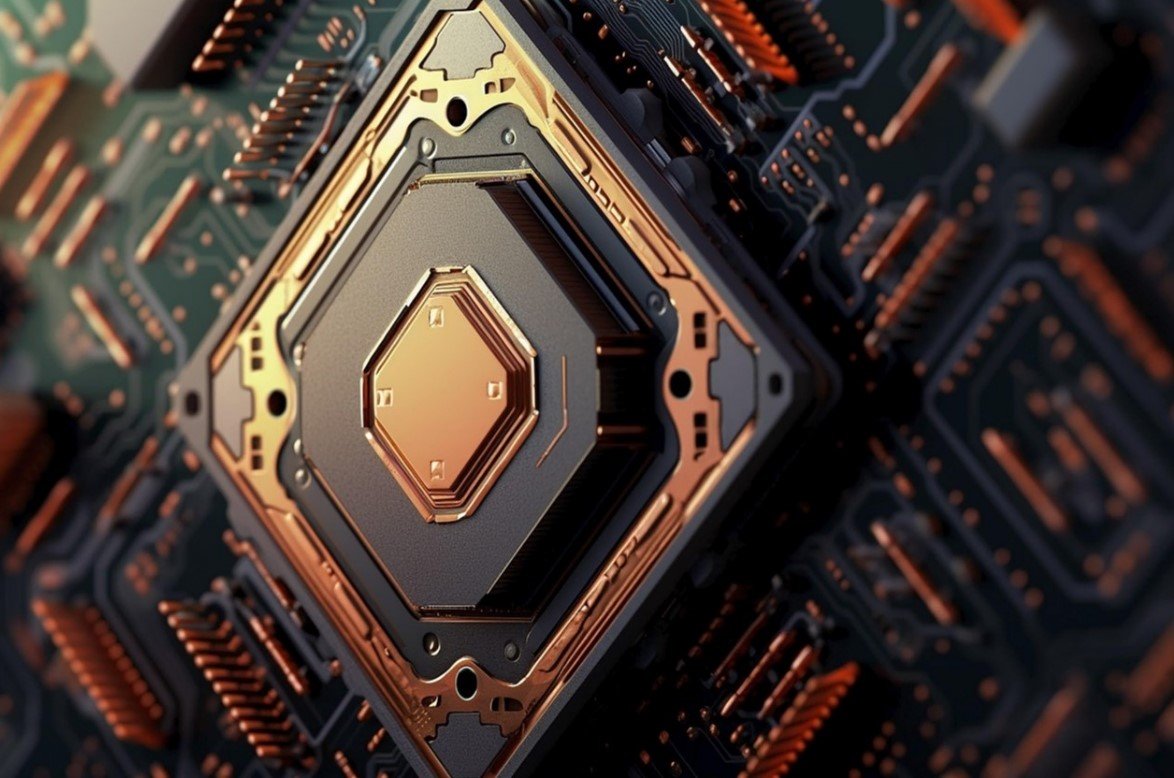
The computer isn’t working fast; the device is heating up quickly, and your head is, too. You are not able to do many things at once on your computer, according to the workload. There is only one solution to all the problems: a good processor, or CPU, which is called the brain of the computer. Before buying a laptop, definitely choose a good processor so you do not have to face any difficulties in the future.
What is a CPU/Processor?
The CPU (Central Processing Unit) is the computer’s brain. The CPU does all the computer’s instructions, calculations, and data processing.
The tasks you ask the computer to do (click the mouse, open an app, run a game)—the CPU analyses them and tells the other parts how to do it. On the motherboard, the CPU is installed.Cooler/Fan, so that it doesn’t get hot. Essential parts of CPU such as -Core, Thread, Clock Speed (GHz), Cache Memory, Architecture / Generation
Some examples of CPUs are:
Intel: Core i3, i5, i7, i9 AMD: Ryzen 3, Ryzen 5, Ryzen 7, Ryzen 9
Working process of CPU:
The CPU works in three steps: Fetch→ Fetches instructions and data from memory. Decode→ understands that and Execute→ completes the task. In this way, it calculates crores of calculations every second.
Importance of the processor:
The CPU (processor) is the central processor of your computer or laptop.”Brain”All tasks — running software, processing files, gaming graphics, video, browsing — are done by the CPU. Processor Clock Speed, Core Number, and Architecture are set correctly; the computer works quickly. To open the app, run the program, compile/render code, or Do Heavy gaming/video editing/Multitasking—Everything happens quickly. If the CPU is weak, → ComputerSlow, Lag, More time to do any work, Multitasking is difficult. It’s okay. I mean, it will take more time, but the work will be less. If you do office work, YouTube, browsing: A normal CPU will work, but to play games, edit videos or photos, or run code- or software-heavy apps, you need a powerful CPU because the workload demands more power. For the future: A good CPU will make your computer run faster and smoother in the years to come — even with new software and OS upgrades. A sound processor for the computer. Fast, stable, and efficient. When you do work (light or heavy), the CPU’s power directly determines your experience (speed, lag, and multitasking). So it’s essential to choose a good processor, keeping your work, budget, and future use in mind.
Things to consider when buying a processor:
Determine your intended use –
First, think about what you need a processor for.
Basic tasks(YouTube, Browsing, Office Work) → Intel i3 / Ryzen 3
Medium work (Photoshop, Editing, Programming) → Intel i5 / Ryzen 5
Heavy work (4K Editing, High-end Gaming, 3D Rendering) → Intel i7/i9 or Ryzen 7/9
See Core and Thread- More cores mean better Multitasking. More threads mean faster app opening and working. Ordinary users:4–6 Core is Enough, gaming and creative work:6–12 Core, Professional Heavy Duty:12+ Core Clock Speed (GHz) is essential-
The higher the clock speed → the faster the processor works. Base Clock and Boost Clock both. A boost clock of 4.0 GHz or higher is good for gaming.
Generation / Architecture-
Always choose the new generation—performance, power saving, and temperature are better. Intel: 10th Gen < 11th < 12th < 13th < 14th/ AMD: Ryzen 1000 < 2000 < 3000 < 5000 < 7000 Series
Check Socket Compatibility-
The motherboard socket must match the processor. Intel: LGA 1200, LGA 1700
AMD: AM4, AM5 .The processor will not fit if it is not in the same socket.
If you need an integrated GPU-
If you don’t want to use a separate Graphics Card, it is essential to have an iGPU in the CPU. Intel: Models without “F” have Graphics (e.g., i5-12400) and AMD: “G” models have Graphics (e.g., Ryzen 5600G)
Power Consumption (TDP)-
A higher TDP will make the cooler better, and power consumption will also be higher.
Low TDP → less heat, less consumption. If the TDP is high, the CPU gets hotter → a good cooler is needed. 35W–65W → Cold, Normal Use. 95W–125W → Gaming/Editing and 170W+ → High-end, requires a powerful cooler
Cache Memory-
Higher cache speeds improve load times and processing performance. Typical usage: 8–12MB
Creative/Gaming: 16–32MB and Heavy Rendering: 32MB+
Future Upgrade Plan-
If you want to upgrade in the future, get a CPU/Motherboard that supports new sockets and DDR5 RAM.
Set a budget-
Pro3 categories according to the season budget:
If 8–15 thousand -Intel i3 / Ryzen 3
If 18–25 thousand -Intel i5 / Ryzen 5
And if 30–70 thousand – Intel i7/i9 or Ryzen 7/9
Things to avoid
Buying a CPU based on GHz only.Bought a motherboard that doesn’t match the socket. Buying an older generation CPU at a higher price.Getting an iGPU CPU in a Gaming PC
Popular CPU brands
Intel — old and trusted brand, suitable for office, gaming, basic, or powerful PCs
AMD has become very popular in the last few years, offering good performance from budget to high-end CPUs
Some popular models (Desktop CPUs)
Intel Core i5-12400F Processor – Perfect for budget-to-mid range. Powerful enough for gaming, office, and general use.
AMD Ryzen 5 5600X Processor – 6 cores and 12 threads CPU; popular for gaming, Multitasking, and general work. Good performance at a relatively low cost.
AMD Ryzen 7 5800X Processor – 8 cores, 16 threads; suitable for slightly heavier work (video editing, large-scale software) or high-quality gaming.
AMD Ryzen 9 5900X Processor – 12 cores, 24 threads; for high-end gaming, 3D rendering, Multitasking, and large-scale work.
Intel Core i7-12700K Processor – A powerful Intel CPU; good for gaming, productivity, and future-proof builds.
AMD Ryzen 9 9950X3D Processor – 2025’s flagship CPU; 16 cores, 32 threads, special cache features — perfect for gaming and professional work.
Intel Core i5-12400 Processor – A popular option in the i5 series, for office or budget-to-mid-range gaming/computing.
AMD Ryzen 5 5600 Processor – 6 cores-12 threads; Versatile and affordable option for casual to medium users.
Buy From a Trusted Shop in Bangladesh
There are various online and offline stores in Bangladesh, among which Techland BD is one. Techland BD is one of the most trusted electronics and IT companies in Bangladesh. From here, you can buy all your favourite electronic products and get installation services. Installation services are provided by skilled engineers here. They offer a range of electronic products, skilled installation services, and original products at competitive prices in BD.Buy Original products at good prices at techland bd and visit the website or contact your nearest Techland BD branch.
